

Unleashing Your Creativity: A Guide to Using Houzz Ideabook

Overwhelmed?

Do you ever find yourself endlessly scrolling through home design websites, saving images of dreamy interiors, but then struggle to keep track of them all? Or perhaps you're in the midst of a renovation project and need a convenient way to organize your design inspirations? Look no further than Houzz Ideabook – a powerful tool designed to streamline your creative process and bring your design ideas to life. Our designers are good. Really good. But we need all the input you can come up with so that we can nail down your vision. Sometimes the choices can be overwhelming - that's where Houzz comes in.

What is Houzz Ideabook?

Houzz Ideabook is a feature on the popular home design and renovation platform, Houzz. It serves as a virtual scrapbook where users can save and organize photos and ideas for their home projects. Whether you're planning a major renovation, redecorating a room, or simply seeking inspiration for future projects, Ideabook allows you to gather, categorize, and share your design ideas effortlessly.

Getting Started

Creating and using an Ideabook on Houzz is easy and intuitive. If you haven't already, start by signing up for a free account on Houzz.com or the Houzz app. Once logged in, you can begin exploring millions of photos spanning various design styles and spaces.

How to Use Ideabook

A Houzz ideabook is a place where you can store ideas and build dreams. You can save everything you see on Houzz in your ideabooks, including your favorite home design photos, stories, profiles of home service professionals, products, discussions, notes and other details of your home project.

So start saving, organizing, collaborating, sharing, refining and engaging. But first, read on.

Saving Inspirations:

As you browse through Houzz, whenever you come across an image that inspires you, simply click the "Save" button beneath the photo. You'll then have the option to save it to an existing Ideabook or create a new one. Be sure to add descriptive tags or notes to help you remember why you saved each image.

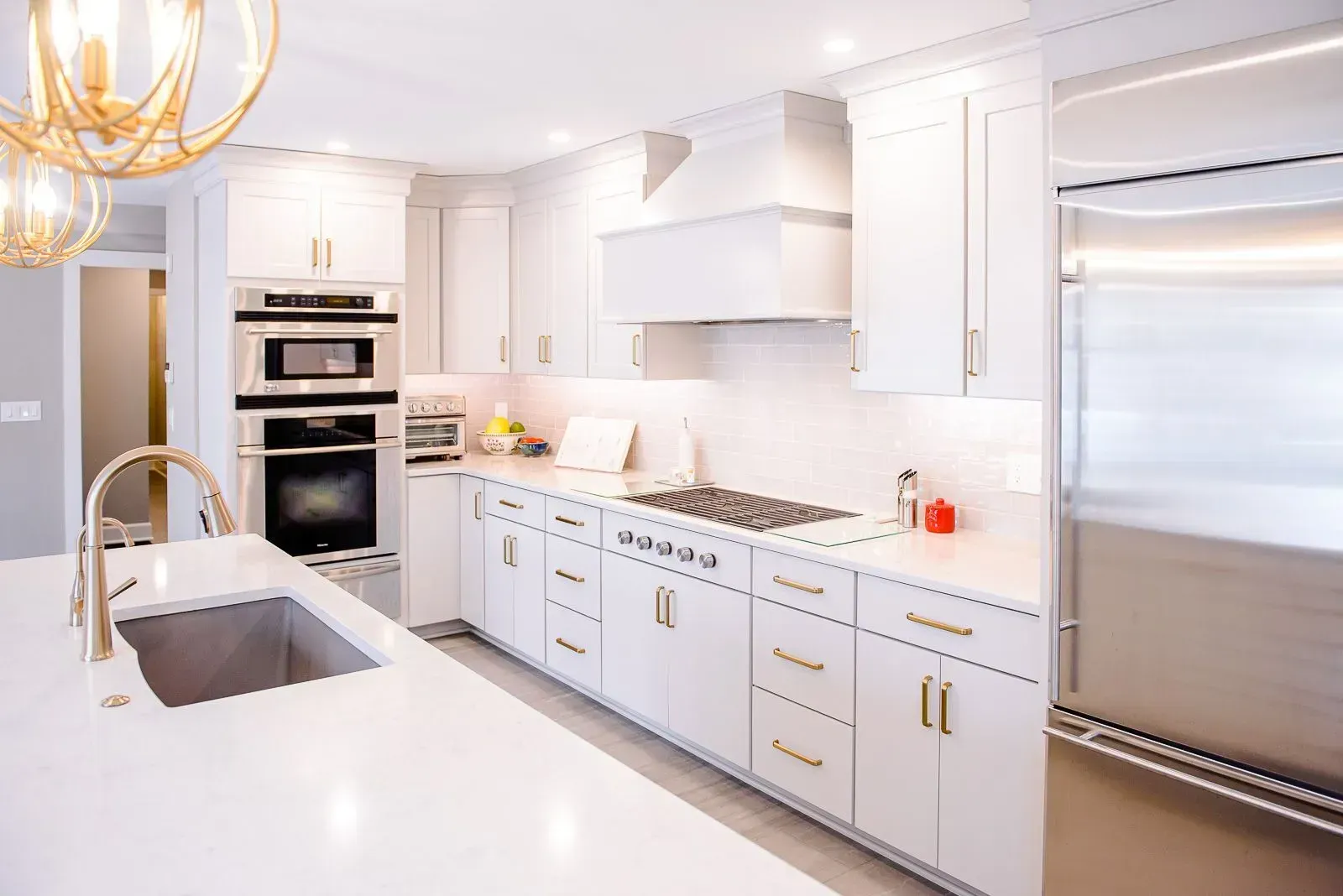
A kitchen with white cabinets and stainless steel appliances.

Organizing Ideas:

Ideabooks can be organized by room, project type, or any other categories that make sense to you. For example, you might create separate Ideabooks for "Kitchen Remodel," "Bathroom Ideas," or "Outdoor Living Spaces." To create a new Ideabook or manage existing ones, navigate to your profile and select "Ideabooks."

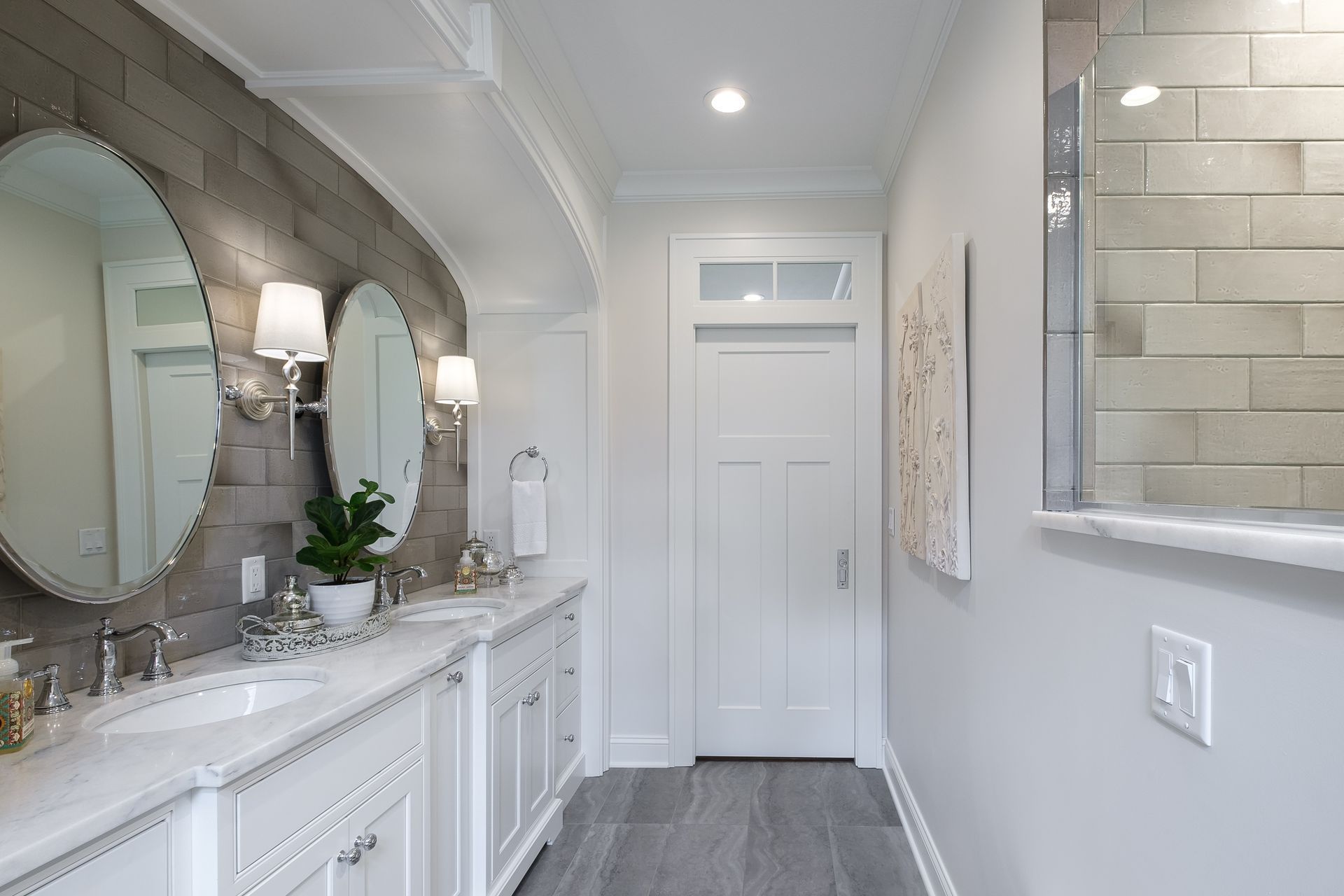
A bathroom with two sinks , two mirrors and a walk in shower.

Collaborating and Sharing:

One of the standout features of Ideabook is the ability to collaborate with others. Whether you're working with a spouse, friend, or professional designer, you can invite them to view and contribute to your Ideabooks. This collaborative approach fosters communication and ensures everyone is on the same page when it comes to design preferences.

Refining Your Vision:

As your project evolves, you may find that your design preferences change or become more refined. Ideabook allows you to easily edit, rearrange, or delete saved images to reflect your evolving vision. It's a dynamic tool that grows with you throughout the design process.

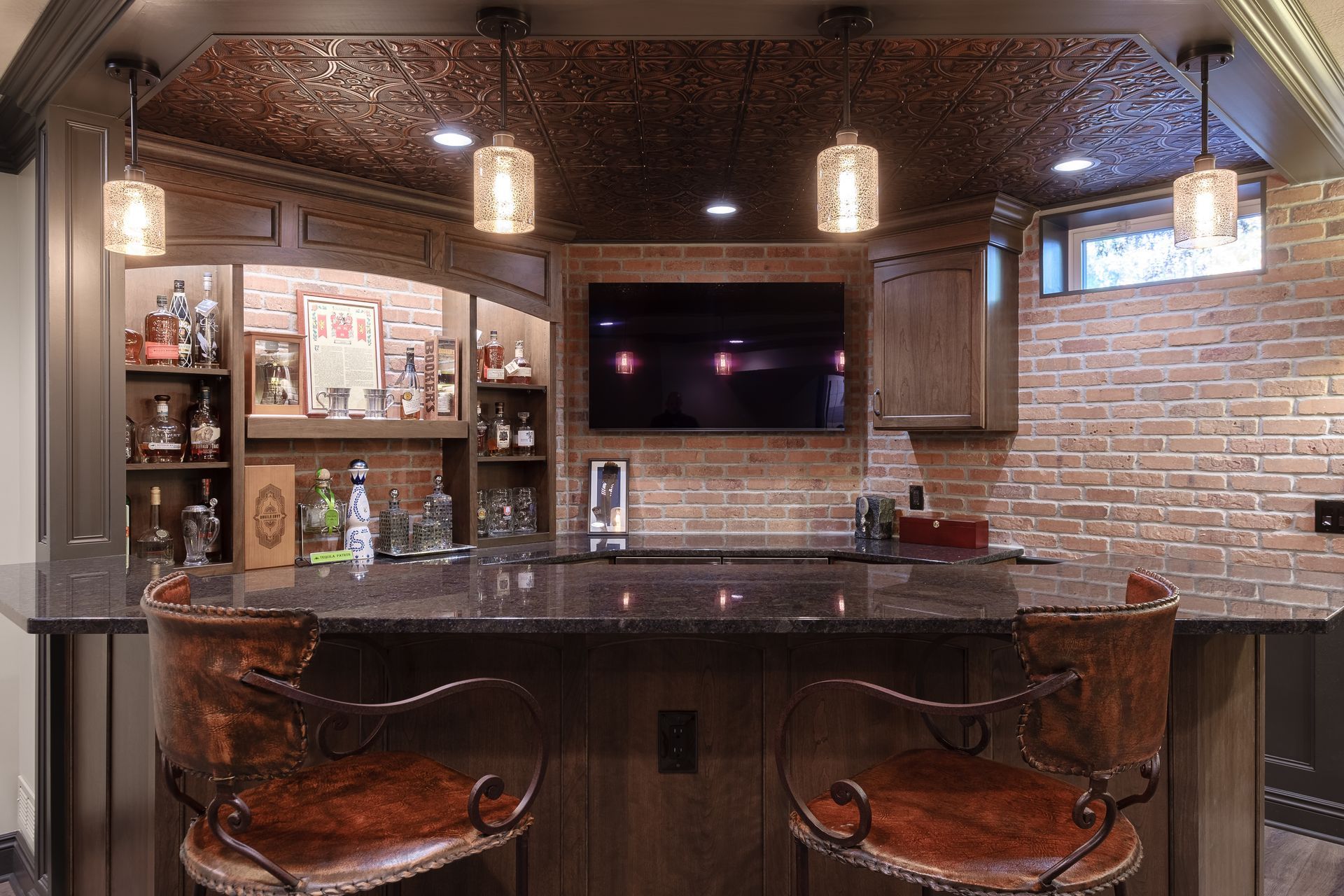
A bar in a basement with a brick wall and a flat screen tv.

Engaging with the Community:

Houzz is not just a platform for gathering ideas; it's also a vibrant community of homeowners, design enthusiasts, and professionals. Don't hesitate to comment on photos, ask questions, or seek advice from fellow users. You'll find that the community is incredibly supportive and full of valuable insights.

Tips for Maximizing Your Ideabook Experience

First of all, the Anthony Slabaugh Remodeling & Design team will send you step by step instructions to register a new account and create an Ideabook. Then it's so easy. And fun! You'll browse photos, find pictures of spaces you like and click on "save +". 

More tips:

Be specific:

When saving images, be as specific as possible with your tags and notes. This will make it easier to search for and reference images later on. Focus on specific design elements that catch your eye. This could include architectural details, furniture pieces, lighting fixtures, or decorative accents. By pinpointing these individual elements, you can create a comprehensive reference library that guides your design decisions down to the smallest detail. Pay close attention to color schemes, textures, and material choices in the images you save. Take note of paint colors, fabric patterns, flooring materials, and finishes. By documenting these details, you can effectively communicate your desired aesthetic to designers, contractors, or retailers when sourcing materials for your project.

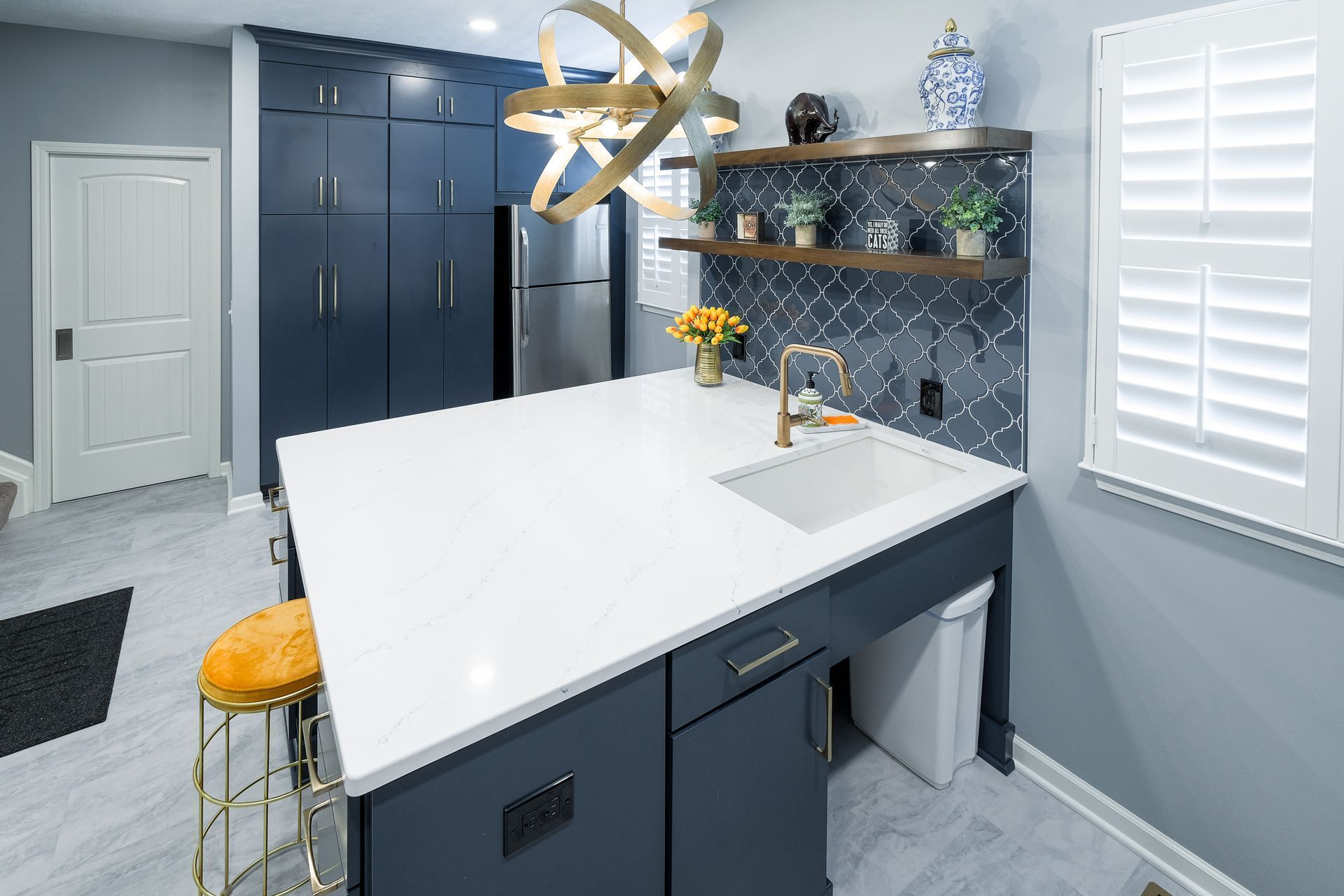
A kitchen with a large island and a sink.

Stay Organized:

Regularly review and organize your Ideabooks to keep them tidy and relevant to your current projects. Just like any organizational system, Ideabooks require regular maintenance to remain effective. Set aside some time periodically to review your saved images, update tags, and remove any outdated or irrelevant content. This ensures that your Ideabooks stay streamlined and reflective of your current design preferences. For larger projects or broad design themes, consider creating subcategories within your Ideabooks. For example, if you're planning a kitchen renovation, you might create subcategories such as "Cabinet Designs," "Countertop Options," or "Appliance Ideas." This granular approach makes it easier to locate specific inspiration within a larger project.

Explore Beyond Your Comfort Zone: 

Don't be afraid to explore different design styles and ideas. You might discover unexpected inspiration that enhances your project. Don't feel constrained by a single design style or aesthetic. Allow yourself to explore a diverse range of design influences and trends. Mix and match elements from different styles to create a unique and personalized look that reflects your personality and preferences. Whether it's blending modern minimalism with vintage charm or infusing traditional elegance with bohemian flair, eclecticism opens up a world of creative possibilities. Draw inspiration from various cultures and regions around the world. Explore the rich tapestry of global design traditions, architectural styles, and decorative motifs. Whether you're captivated by the serene simplicity of Japanese interiors, the vibrant colors of Moroccan decor, or the rustic charm of Scandinavian design, incorporating elements from diverse cultures can add depth, richness, and authenticity to your home.

Utilize Filters:

When searching for images on Houzz, take advantage of filters such as style, room type, and budget to narrow down your options and find exactly what you're looking for. Start by selecting the design styles that resonate with you the most. Whether you prefer modern minimalism, rustic farmhouse, eclectic bohemian, or traditional elegance, narrowing down your style preferences can significantly reduce the overwhelm of sorting through endless images. By refining your search to specific styles, you can focus on finding inspiration that aligns with your aesthetic vision.  Houzz offers filters to specify the type of room you're designing, whether it's a kitchen, bathroom, living room, bedroom, or outdoor space. This allows you to tailor your search to images that are relevant to your specific project or area of interest. Whether you're seeking kitchen renovation ideas, bathroom design inspiration, or outdoor landscaping solutions, selecting the appropriate room type filter ensures that you find relevant and actionable inspiration.

In Conclusion:

Houzz Ideabook is more than just a digital scrapbook – it's a catalyst for creativity, collaboration, and transformation. Whether you're embarking on a major renovation or simply looking to refresh your space, Ideabook empowers you to curate, organize, and refine your design ideas with ease. So go ahead, unleash your creativity, and let Houzz Ideabook be your guide on the journey to your dream home.

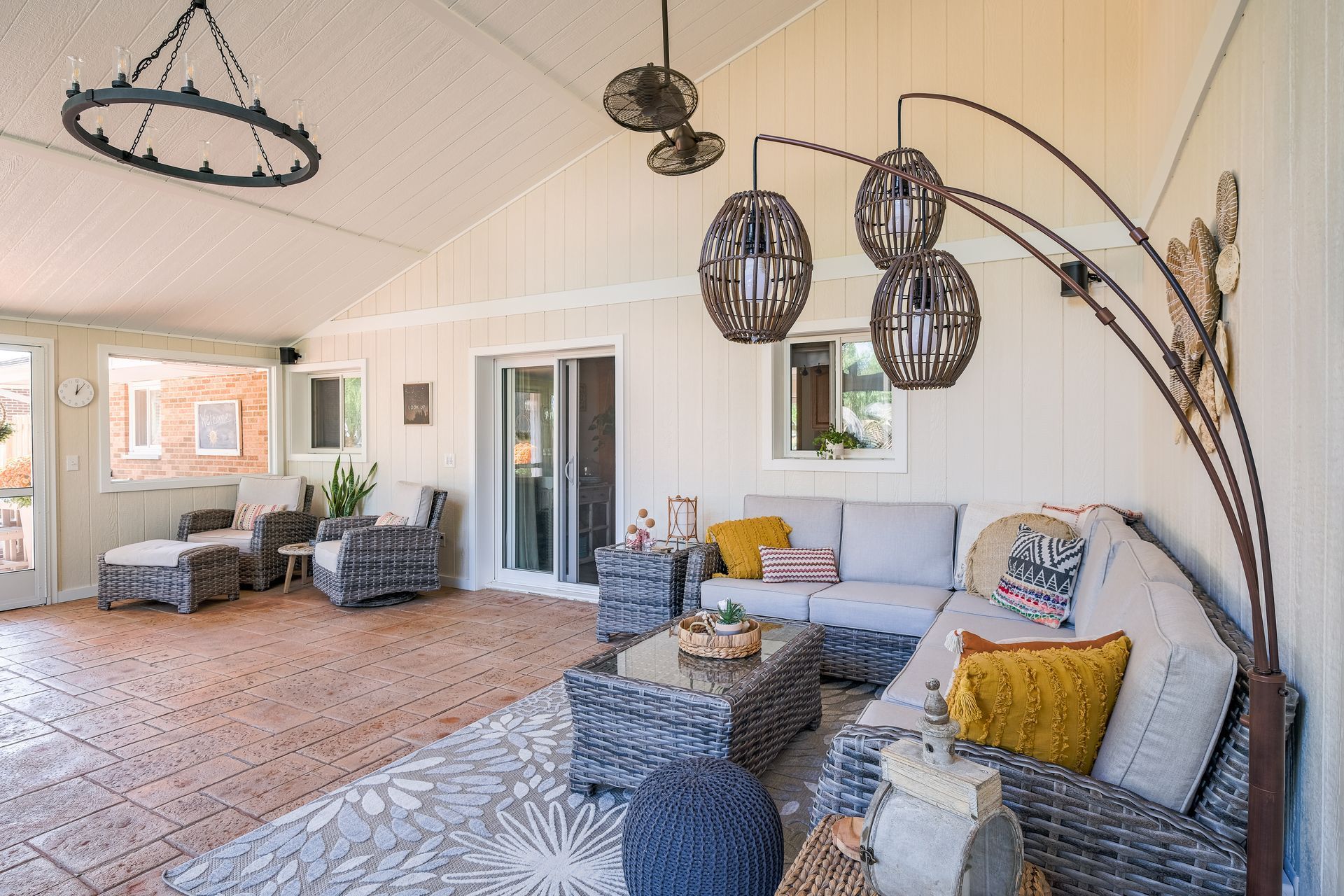
A living room with a couch , chairs , and a lamp.

With creativity and resourcefulness, combined with your unique preferences, your remodeling project can become a stunning focal point in your home, whether it's a kitchen, basement, bathroom or something else. Contact Anthony Slabaugh Remodeling & Design today. Together we can create the space that you've only imagined!


Joan Cannon

Administrative Director

Woman with glasses smiles; black and white photo.

Anthony Slabaugh

R E M O D E L I N G & D E S I G N 

Craftsmen with Integrity

Recent Posts


In-Law Suite Addition Timeline: What to Expect From Start to Finish
By Anthony Slabaugh January 29, 2026
Learn the typical in-law suite addition timeline, from planning and design through construction, and what factors influence each phase.
How Much Does an In-Law Suite Addition Cost?
By Anthony Slabaugh January 29, 2026
Learn what affects in-law suite addition cost, from layout and structure to accessibility and planning, with guidance from Anthony Slabaugh Remodeling & Design.
Is an In-Law Suite Addition Right for Your Home?
By Anthony Slabaugh January 29, 2026
Learn key planning factors to decide if an in-law suite addition is right for your home, including layout, privacy, and long-term living considerations.
Attached vs Detached In-Law Suite Additions
By Anthony Slabaugh January 29, 2026
Compare attached and detached in-law suite additions and learn which option best fits your home, lifestyle, and long-term living goals.
In-Law Suite Floor Plan Ideas That Balance Privacy and Comfort
By Anthony Slabaugh January 29, 2026
Explore in-law suite floor plan ideas that balance privacy, comfort, and long-term living with thoughtful layout planning from Anthony Slabaugh Remodeling & Design.
How to Plan a Whole-House Remodel Step by Step
By Anthony Slabaugh January 21, 2026
Learn how to plan a whole-house remodel step by step, from defining goals to coordinating design and construction through a design-build process.
The Benefits of Hiring a Design-Build Firm
By Anthony Slabaugh January 21, 2026
Discover the benefits of hiring a design-build firm and how a one-team remodeling approach creates clarity, efficiency, and better results.
Move vs Improve: A Financial Analysis for Homeowners
By Anthony Slabaugh January 21, 2026
Compare moving vs improving your home and learn how remodeling, equity, and long-term planning factor into smarter homeowner decisions.
5 Questions to Ask Before Hiring a Design-Build Remodeler
By Anthony Slabaugh January 21, 2026
Learn the five most important questions to ask before hiring a design-build remodeler and how the answers reveal experience, planning, and trust.
Planning a Home Addition: 5 Tips for a Seamless Expansion
By Anthony Slabaugh January 21, 2026
Learn five essential tips for planning a home addition, including layout coordination, design-build planning, and long-term home integration.

In-Law Suite Addition Timeline: What to Expect From Start to Finish
By Anthony Slabaugh January 29, 2026
Learn the typical in-law suite addition timeline, from planning and design through construction, and what factors influence each phase.
How Much Does an In-Law Suite Addition Cost?
By Anthony Slabaugh January 29, 2026
Learn what affects in-law suite addition cost, from layout and structure to accessibility and planning, with guidance from Anthony Slabaugh Remodeling & Design.
Is an In-Law Suite Addition Right for Your Home?
By Anthony Slabaugh January 29, 2026
Learn key planning factors to decide if an in-law suite addition is right for your home, including layout, privacy, and long-term living considerations.
Attached vs Detached In-Law Suite Additions
By Anthony Slabaugh January 29, 2026
Compare attached and detached in-law suite additions and learn which option best fits your home, lifestyle, and long-term living goals.
In-Law Suite Floor Plan Ideas That Balance Privacy and Comfort
By Anthony Slabaugh January 29, 2026
Explore in-law suite floor plan ideas that balance privacy, comfort, and long-term living with thoughtful layout planning from Anthony Slabaugh Remodeling & Design.
How to Plan a Whole-House Remodel Step by Step
By Anthony Slabaugh January 21, 2026
Learn how to plan a whole-house remodel step by step, from defining goals to coordinating design and construction through a design-build process.
More Posts